






 Back
BackHome screen missing or not functional
23 Aug 1970
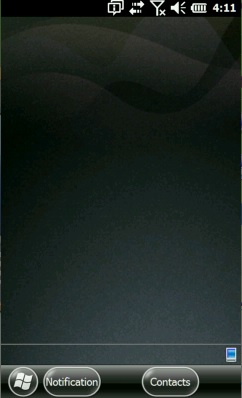
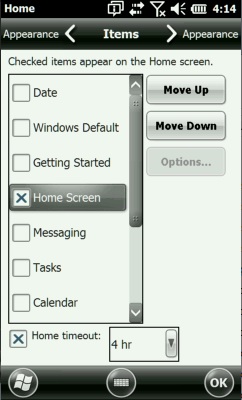
If the home screen seems to be missing or is not functional, follow these steps.
Tap on Start > Settings > Home > Items tab.
Check the "Home Screen" or "Dashboard" item and uncheck everything else.
Tap OK, and then X to close the settings (control panel) window.
The custom "JSHome" screen should now be enabled and working again.
If still needing assistance, contact support@junipersys.com for further ideas.